Dial & Bloom
Get the first cup dialed.
Add your coffee and gear, get one specific pour-over recipe, then use your feedback to guide the next adjustment.
Invitation-only private beta
Sign in
Invited to the private beta? Use the invitation link you were sent to continue.
Have an invitation code instead?How it works
- Set your gear: Choose your brewer, grinder, and dose.
- Add a coffee: Scan the bag or enter it manually.
- Get one clear recipe: See grind, water, temperature, bloom, and pour guidance in one place.
- Dial the next cup: After brewing, record what you tasted and get a focused next adjustment.
Real product previews
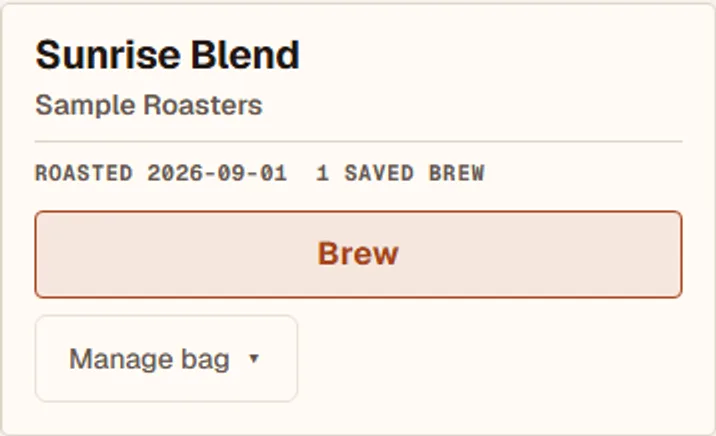
Your Shelf keeps the active bag one tap from a new brew.
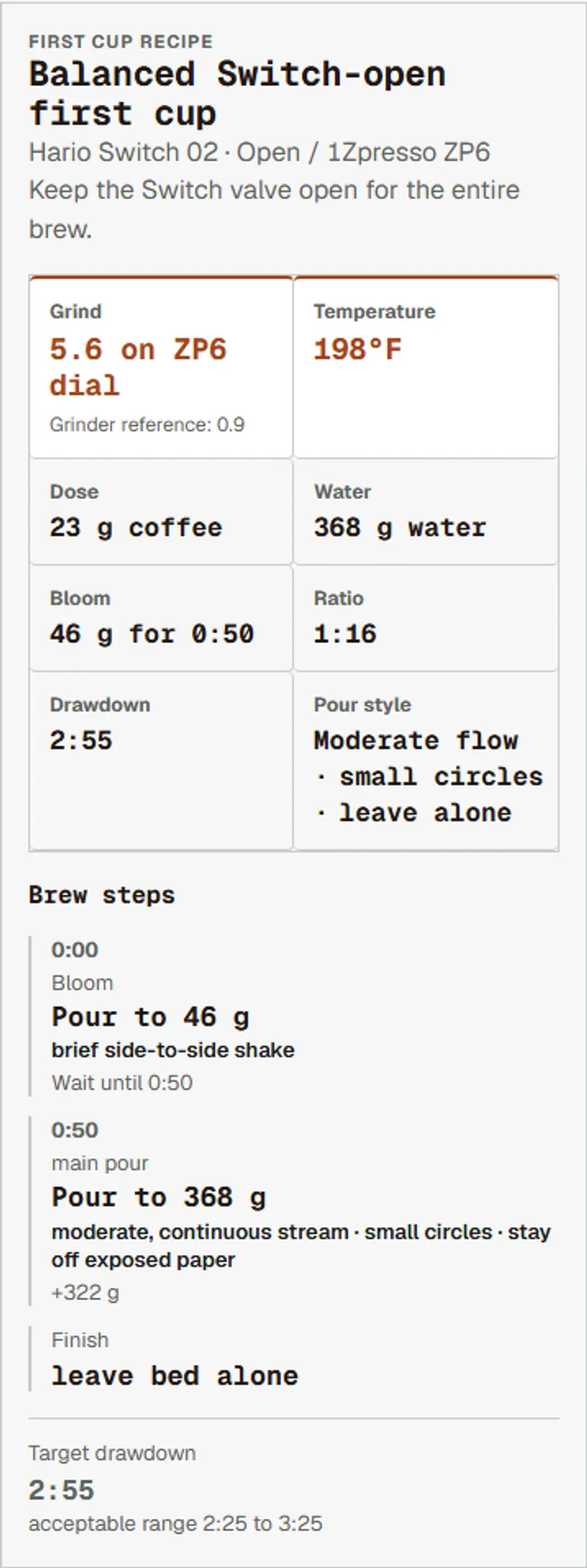
One recipe with grind, water, temperature, bloom, and pour steps.
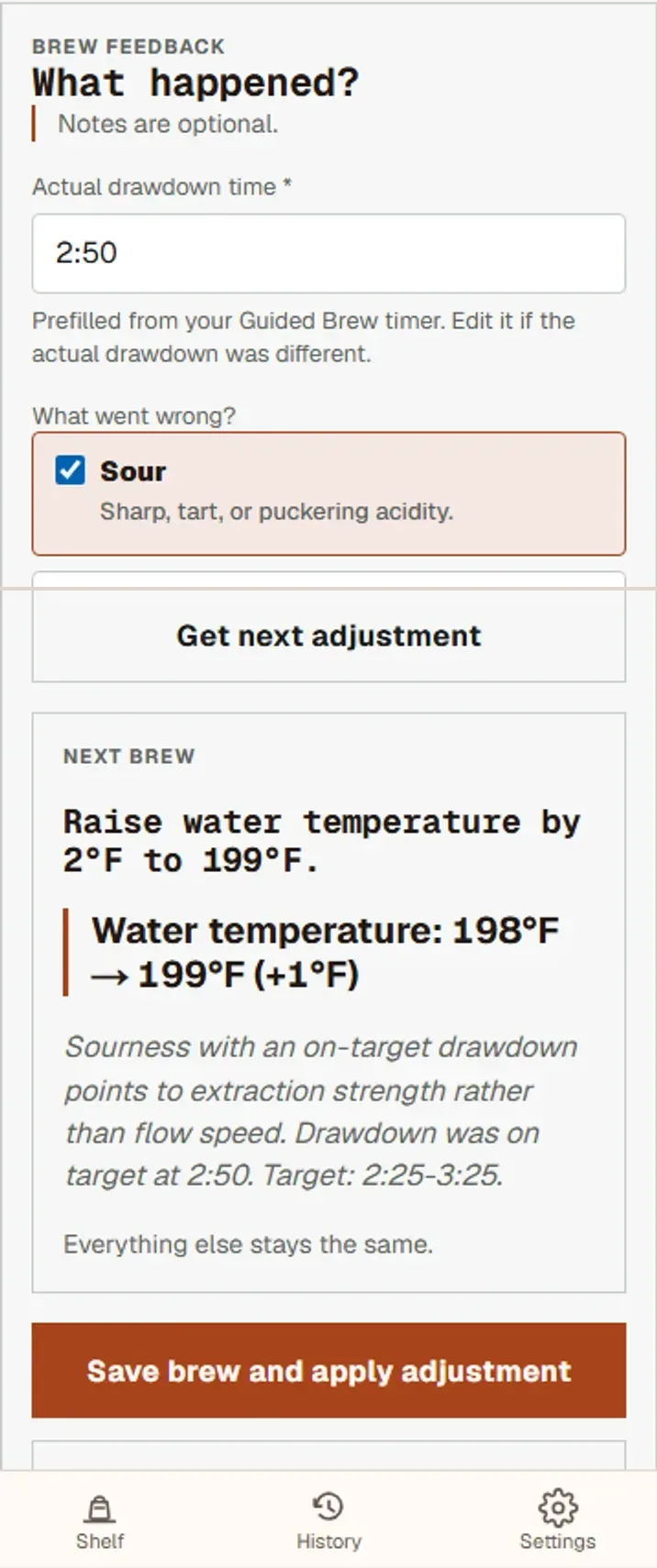
Record what you tasted and get one focused adjustment.
Why it helps
- A specific starting point for a new bag.
- Recipes based on your actual equipment.
- Less guessing about what to change next.
- Add coffee quickly with an optional bag scan.
Dial & Bloom is currently in private beta. Brewer and grinder support is still expanding.
Ready to dial in a new bag?
Sign in
Invited to the private beta? Use the invitation link you were sent to continue.
Have an invitation code instead?